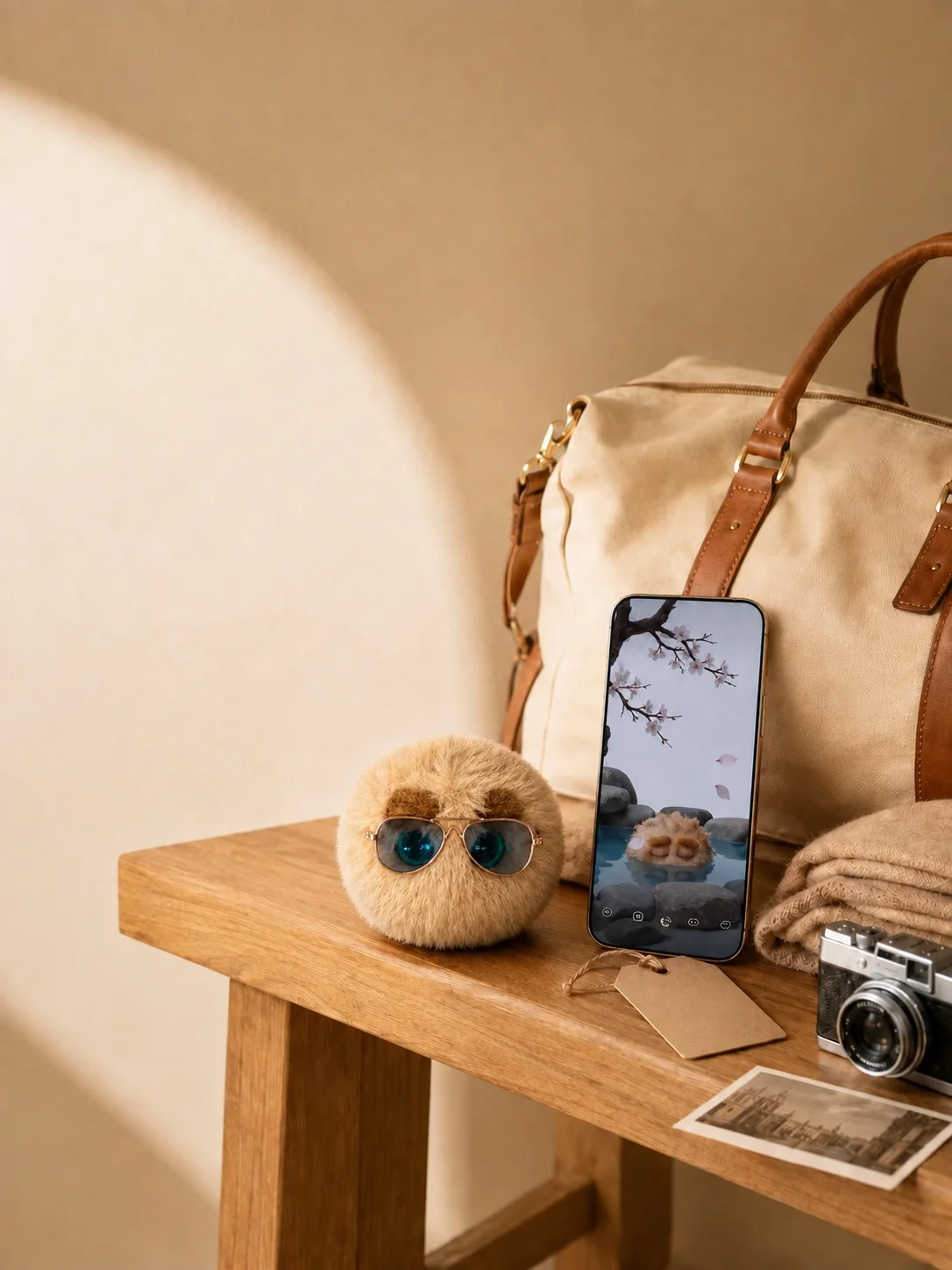
Ways to enjoy the physical plush
Keep a favourite character near your desk, tell a little story together, photograph the plush in an everyday setting or bring it along for the day. These are suggestions for physical play; the plush does not autonomously sense touch, movement or emotions.
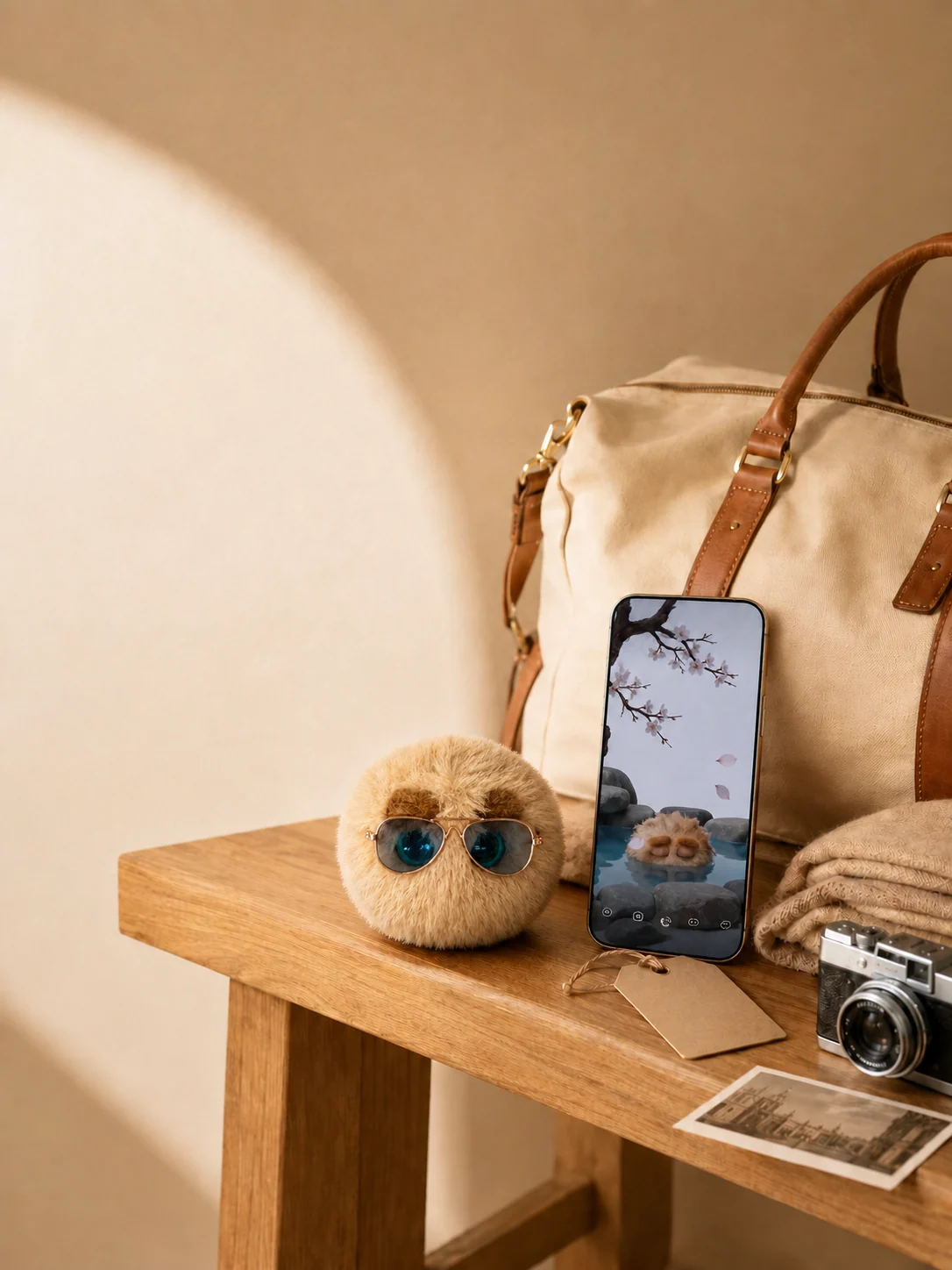
Digital activities start on the phone
Care: feeding, virtual cleaning and character reactions. Chat: choose Nono chat, and select mood recording separately. Photos: images and photo videos have separate entry points. Play: choose available app activities. Nono tree: record moments with friends after checking visibility. Voice and generated content are processed through the mobile app and cloud.
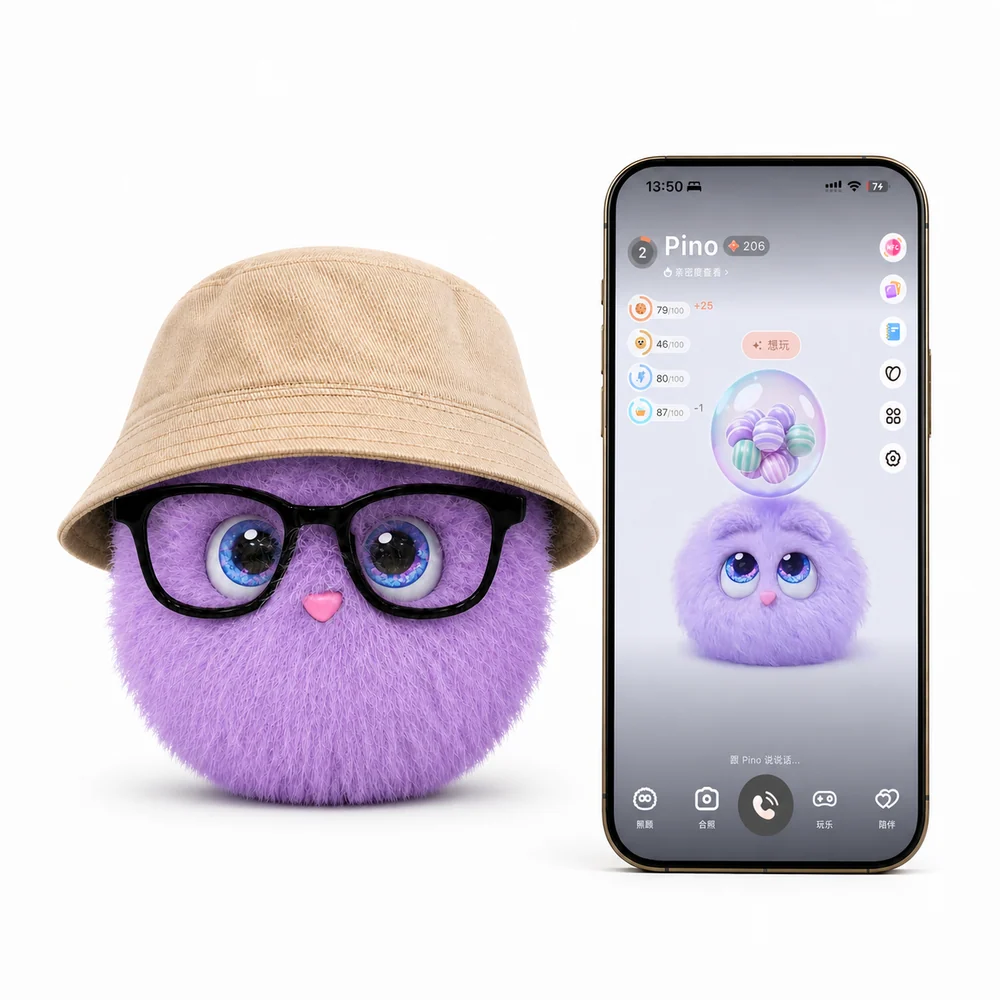
SomniNono activity walkthrough — Chinese app interface
Watch in a separate window ↗A Chinese-language app recording showing mobile character interaction and activities. The physical plush does not speak or move autonomously.
A hello before the day gets busy
Open the care panel and check on Nono. Feed, clean or play for a moment, then get on with your day. In-app cleaning is virtual care; always follow the product label when caring for the physical plush.
Take a photo with Nono
Take a photo through the photo feature and create a picture with Nono. Once it is ready, download it to your phone. In-app pictures can also be found in Collection → Photo Album. Make sure anyone pictured agrees before you upload or share.
Something different in a spare moment
Choose jumping, catching Nono or another available activity from Play. If stories and keepsakes are more your thing, explore daily activities, the notebook or postcards. Entry points and available content follow the current app version.
Chat, mood records and the Nono tree
Choose Nono chat to talk about your day, or Record mood to keep a note for later. On a shared Nono tree, add a photo and text, then find the entry in that tree’s memories. Check members and visibility so you share only what feels right.